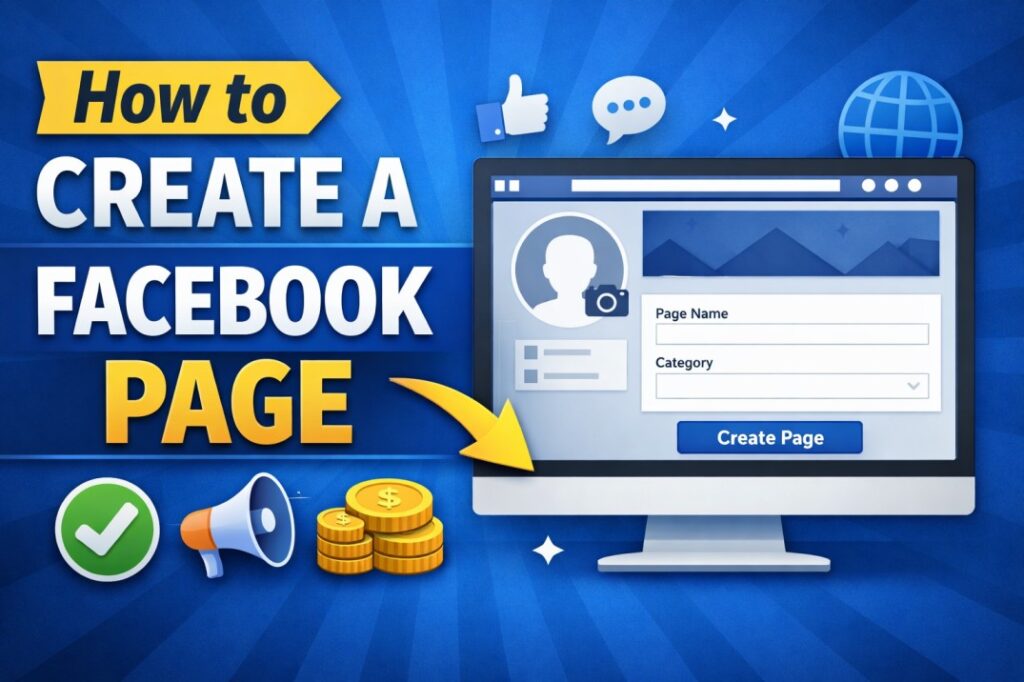
A Facebook Page is a powerful tool for businesses, bloggers, and creators who want to reach a large audience online. With billions of active users, Facebook provides an excellent platform to promote products, share content, and build trust with followers.
Unlike a personal profile, a Facebook Page is public and allows unlimited followers. It also provides insights, advertising options, and monetization features. In this guide, you will learn how to create a Facebook Page step by step.
📌 What Is a Facebook Page?
A Facebook Page is a public profile made for:
- Businesses
- Brands
- Bloggers
- Public figures
- Communities
- Organizations
It allows you to:
- Post updates
- Share photos and videos
- Promote products or services
- Run ads
- Track performance
- Earn money through different methods
🛠️ Requirements to Create a Facebook Page
Before creating a Facebook Page, you need:
- A personal Facebook account
- Internet connection
- Business or brand name
- Profile picture (logo or photo)
- Cover photo
🧭 Step-by-Step Guide to Create a Facebook Page
🔹 Step 1: Log in to Your Facebook Account
First, log in to your personal Facebook account using your email or phone number.
🔹 Step 2: Click on “Create”
On the Facebook homepage, click on the “Create” button and choose Page.
🔹 Step 3: Enter Page Name and Category
Type:
- Page name (business or brand name)
- Category (such as Business, Blog, Community)
Choose the category carefully so Facebook shows your Page to the right audience.
🔹 Step 4: Add Profile and Cover Photos
Upload:
- Profile picture (logo or personal image)
- Cover photo (banner image representing your brand)
These images create the first impression of your Page.
🔹 Step 5: Fill in About Section
Add:
- Description
- Website link
- Phone number
- Address (optional)
This helps users trust your Page.
🔹 Step 6: Publish Your Page
After completing all details, click Publish. Your Facebook Page is now live.
⚙️ Important Facebook Page Settings
After creating your Page, go to Settings and adjust:
- Who can post on your Page
- Messaging settings
- Page roles (admin, editor)
- Notifications
- Privacy options
These settings help manage your Page professionally.
📈 How to Grow a Facebook Page
To grow your Facebook Page:
- Post regularly
- Use high-quality images and videos
- Share valuable content
- Use hashtags
- Invite friends to like your Page
- Share Page link on WhatsApp and website
- Join relevant groups
- Run Facebook ads
Consistency is the key to growth.
💡 Best Content Ideas for Facebook Pages
High-performing content includes:
- Short videos and reels
- Images and quotes
- Tutorials
- Polls and questions
- News updates
- Product promotions
- Live streams
Visual content gets more reach than text posts.
💰 How to Earn Money from a Facebook Page
You can monetize your Page using:
- Affiliate marketing
- Sponsored posts
- Selling products or services
- Facebook ad breaks
- Driving traffic to your website
A well-managed Page can become a strong income source.
❌ Common Mistakes to Avoid
Avoid:
- Posting irregularly
- Copying content
- Ignoring comments
- Using low-quality images
- Over-promoting products
- Buying fake likes
These mistakes reduce reach and trust.
🧩 Facebook Page vs Facebook Profile
| Feature | Facebook Profile | Facebook Page |
|---|---|---|
| Purpose | Personal use | Business/Public |
| Friends/Followers | Limited | Unlimited |
| Ads | No | Yes |
| Insights | No | Yes |
| Monetization | Limited | Full |
A Facebook Page is always better for business or brand growth.
🏁 Conclusion
Creating a Facebook Page is simple and free. It helps you build a digital presence, reach new audiences, and grow your business or blog. By following the correct steps and posting quality content regularly, your Facebook Page can become a powerful online asset.
Whether you are starting a business, blog, or personal brand, a Facebook Page is an essential tool in today’s digital world.
if you want to learn more about AI, click here